
Grok Bot Learning Session for Business Owners: Slides from November 16
Meetup · Monday, November 16 · Frisco Public Library, Meeting Room 4
We covered what Grok Bot is and why an Agent beats a chatbot, connectors, how to set up any Agent with Roles, Goals, Rules and Tools, the six Agents I'd start with, and we built the Chief of Staff and Admin prompts live.

The slides.
Flip through the presentation from this session. Use the buttons, your arrow keys, or tap the slide. Download the slides (PDF).
Every slide, as text.
Easier to search, copy or read on a phone.
Show the text of all 26 slides
- Your AI team thatnever clocks out.Grok Bot, building your own Agents, the always-on computer, connectors, and the six Agents I'd set up first.
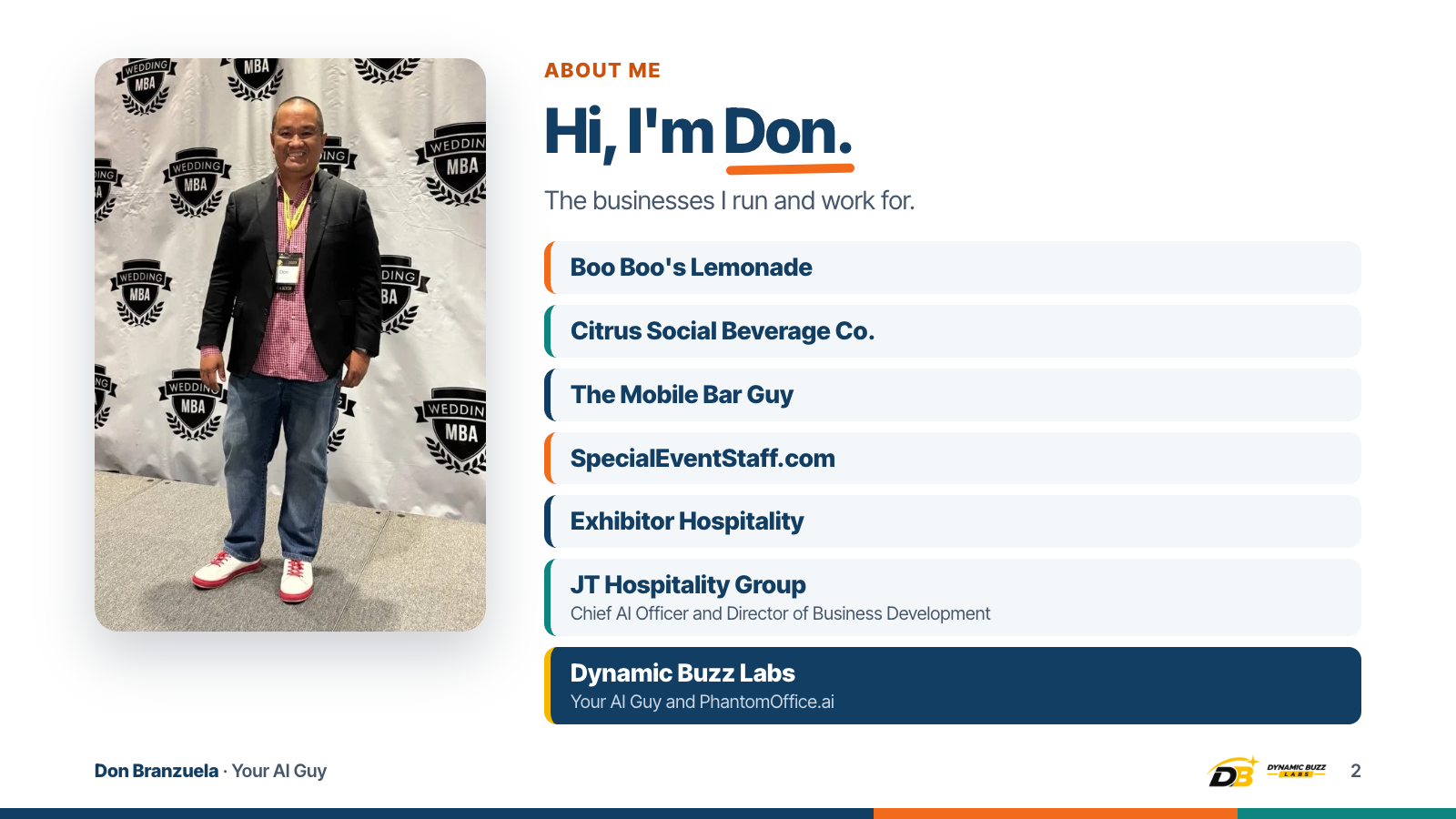
- Hi, I'm Don.The businesses I run and work for.Boo Boo's LemonadeCitrus Social Beverage Co.The Mobile Bar GuySpecialEventStaff.comJT Hospitality GroupChief AI Officer and Director of Business DevelopmentDynamic Buzz LabsYour AI Guy and PhantomOffice.ai
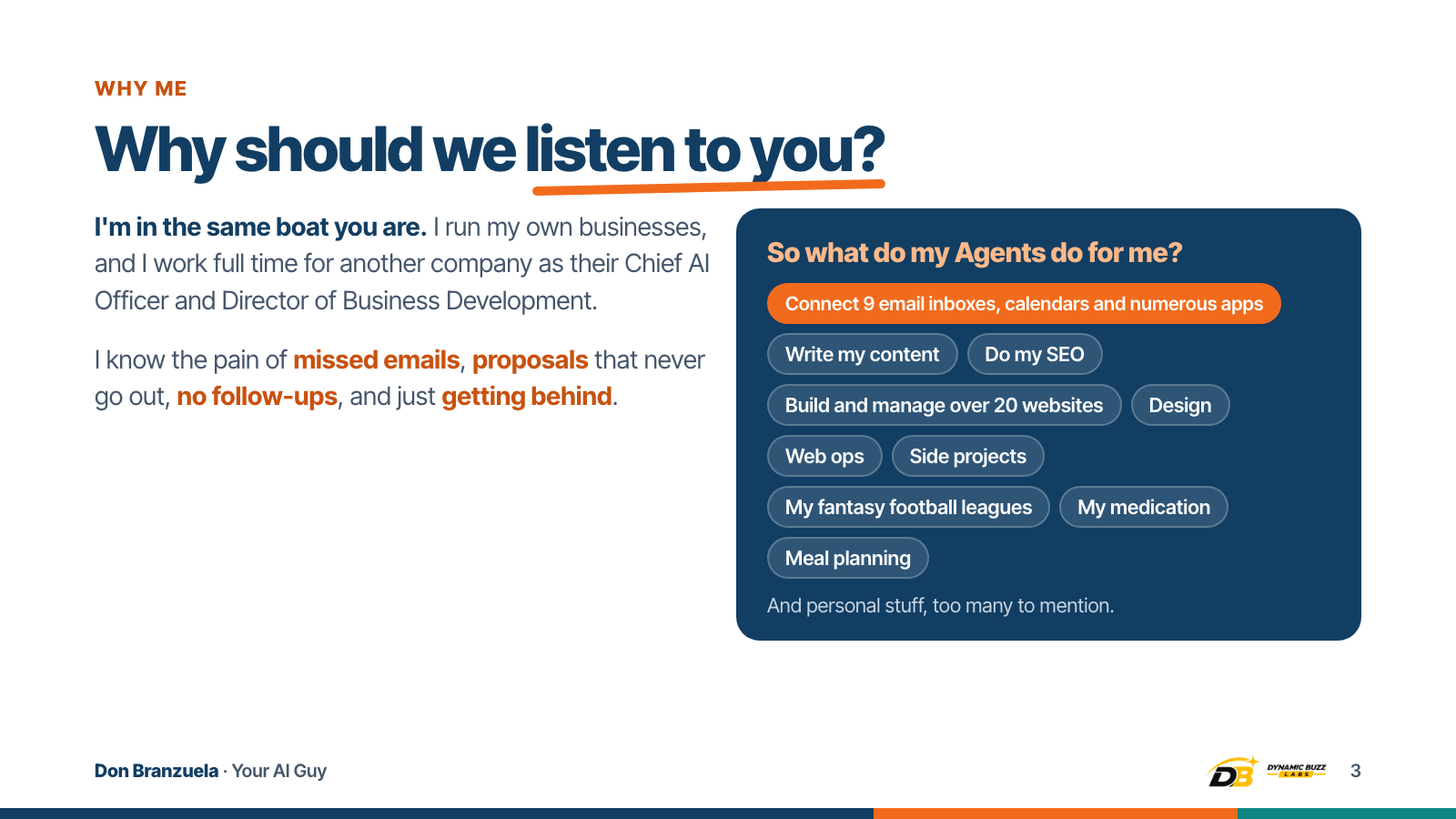
- Why should we listen to you?I'm in the same boat you are. I run my own businesses, and I work full time for another company as their Chief AI Officer and Director of Business Development.I know the pain of missed emails, proposals that never go out, no follow-ups, and just getting behind.So what do my Agents do for me?Connect 9 email inboxes, calendars and numerous appsWrite my contentDo my SEOBuild and manage over 20 websitesDesignWeb opsSide projectsMy fantasy football leaguesMy medicationMeal planningAnd personal stuff, too many to mention.
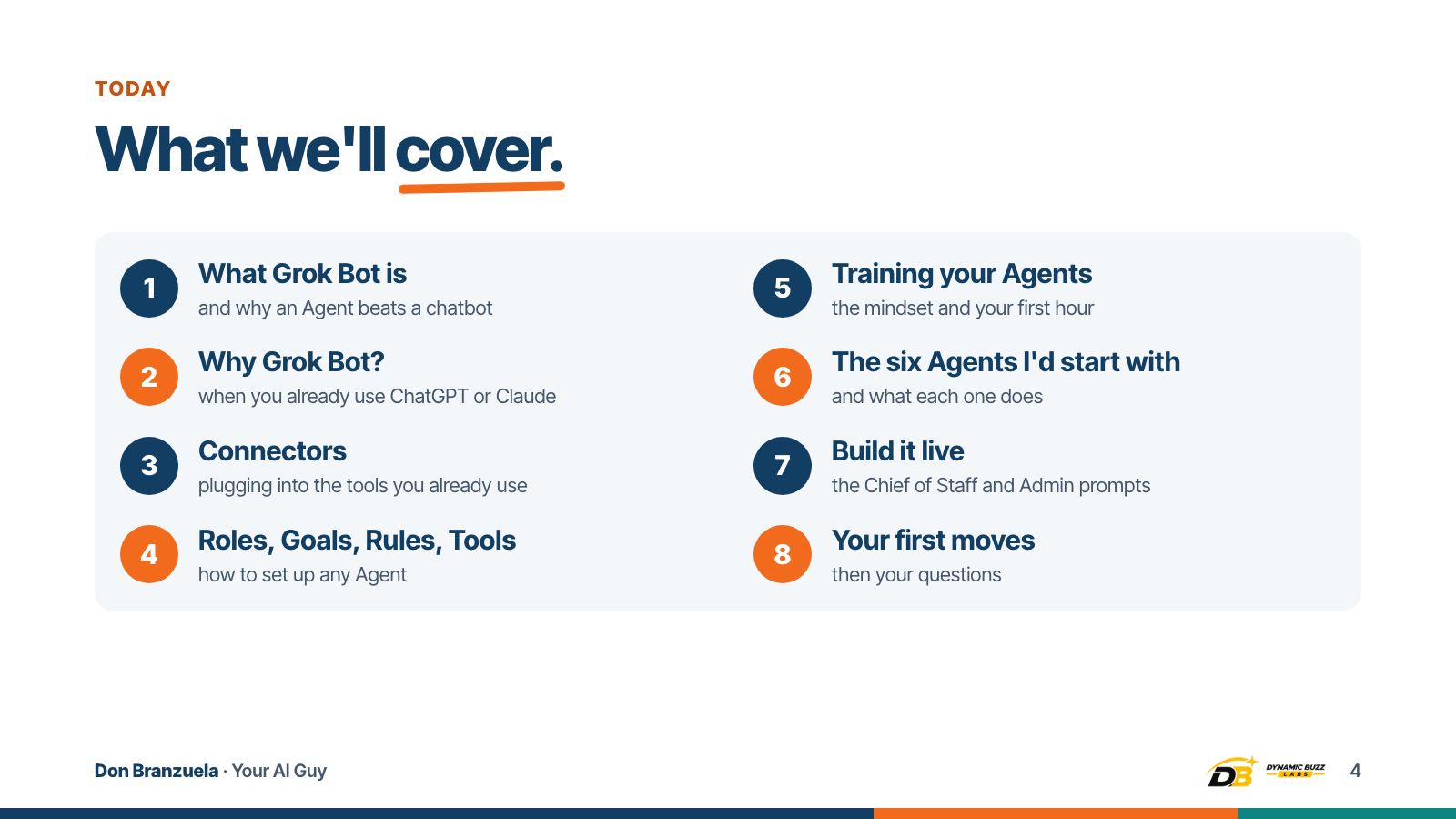
- What we'll cover.What Grok Bot is and why an Agent beats a chatbotWhy Grok Bot? when you already use ChatGPT or ClaudeConnectors plugging into the tools you already useRoles, Goals, Rules, Tools how to set up any AgentTraining your Agents the mindset and your first hourThe six Agents I'd start with and what each one doesBuild it live the Chief of Staff and Admin promptsYour first moves then your questions
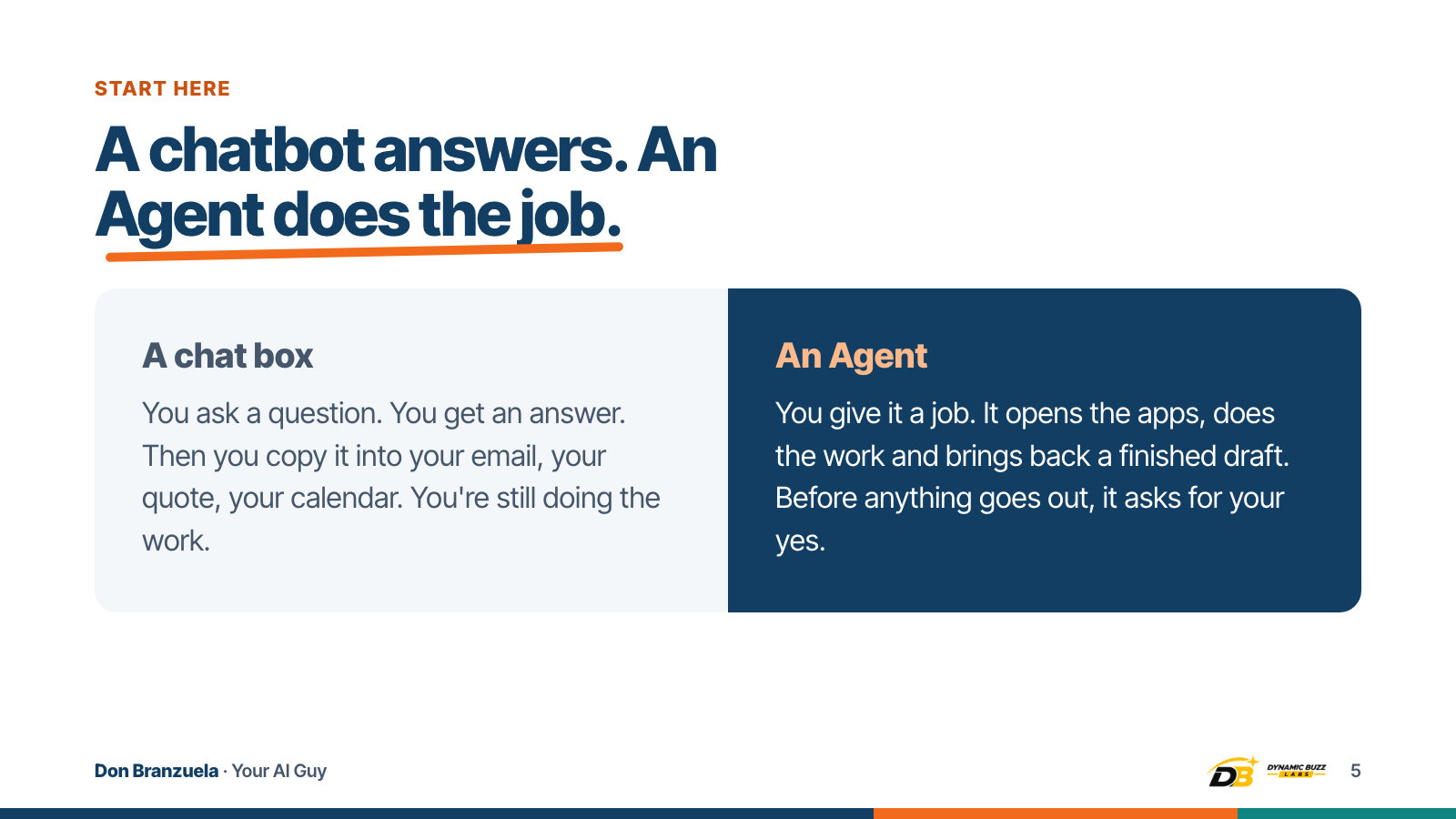
- A chatbot answers. An Agent does the job.A chat box: You ask a question. You get an answer. Then you copy it into your email, your quote, your calendar. You're still doing the work.An Agent: You give it a job. It opens the apps, does the work and brings back a finished draft. Before anything goes out, it asks for your yes.
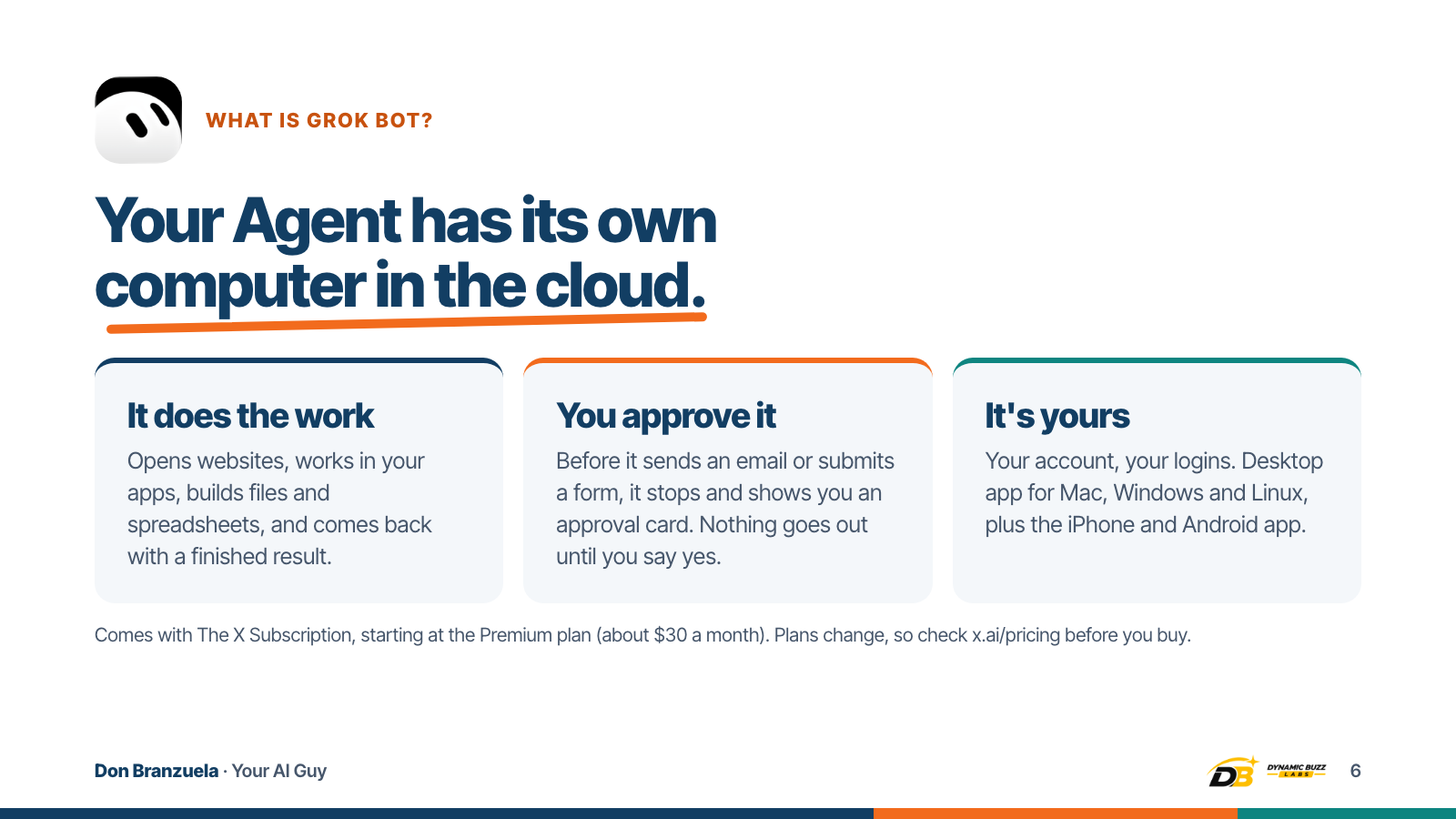
- Your Agent has its own computer in the cloud.What is Grok Bot?It does the work: Opens websites, works in your apps, builds files and spreadsheets, and comes back with a finished result.You approve it: Before it sends an email or submits a form, it stops and shows you an approval card. Nothing goes out until you say yes.It's yours: Your account, your logins. Desktop app for Mac, Windows and Linux, plus the iPhone and Android app.Comes with The X Subscription, starting at the Premium plan (about $30 a month). Plans change, so check x.ai/pricing before you buy.
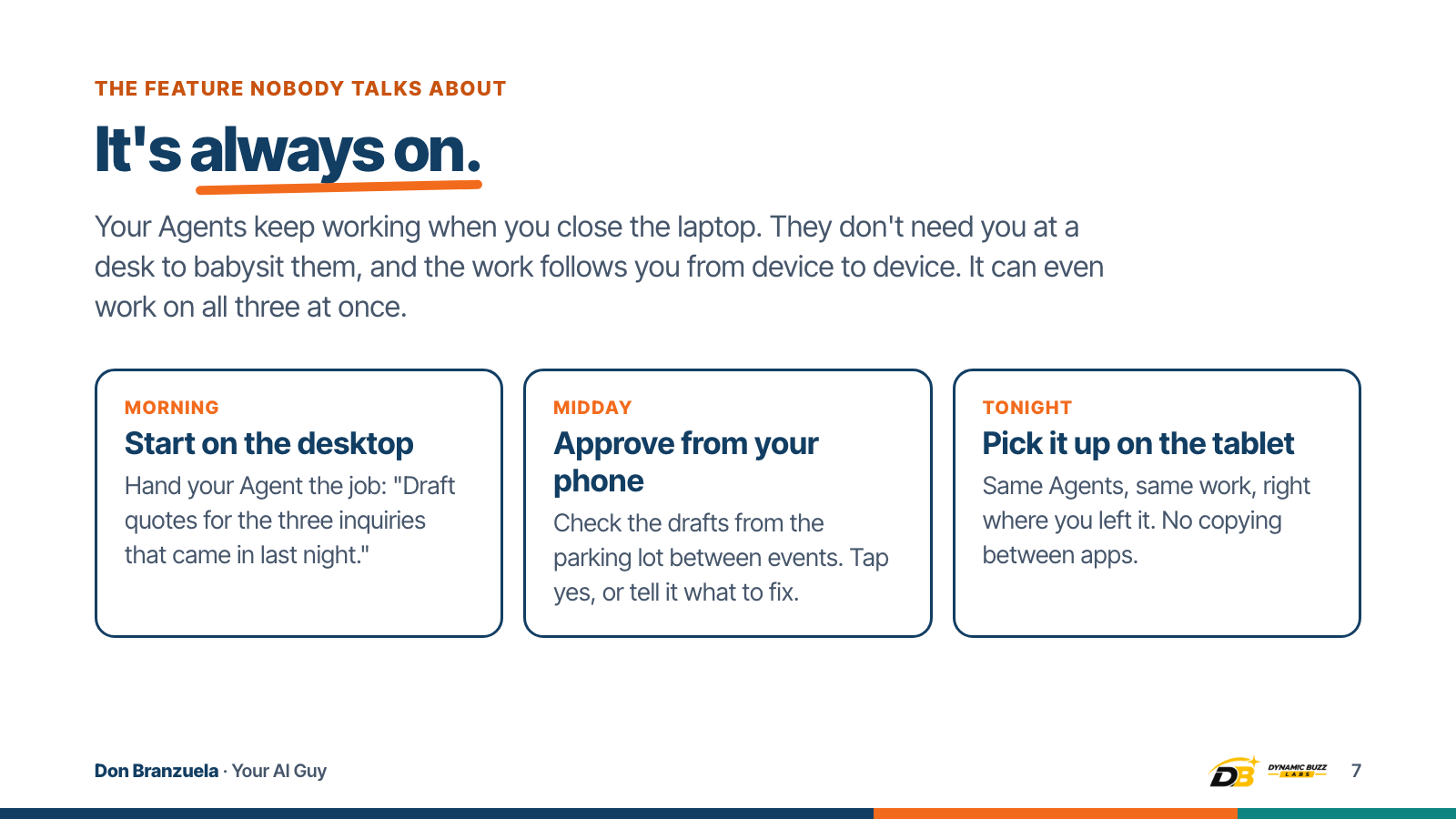
- It's always on.Your Agents keep working when you close the laptop. They don't need you at a desk to babysit them, and the work follows you from device to device. It can even work on all three at once.MorningStart on the desktop: Hand your Agent the job: "Draft quotes for the three inquiries that came in last night."MiddayApprove from your phone: Check the drafts from the parking lot between events. Tap yes, or tell it what to fix.TonightPick it up on the tablet: Same Agents, same work, right where you left it. No copying between apps.
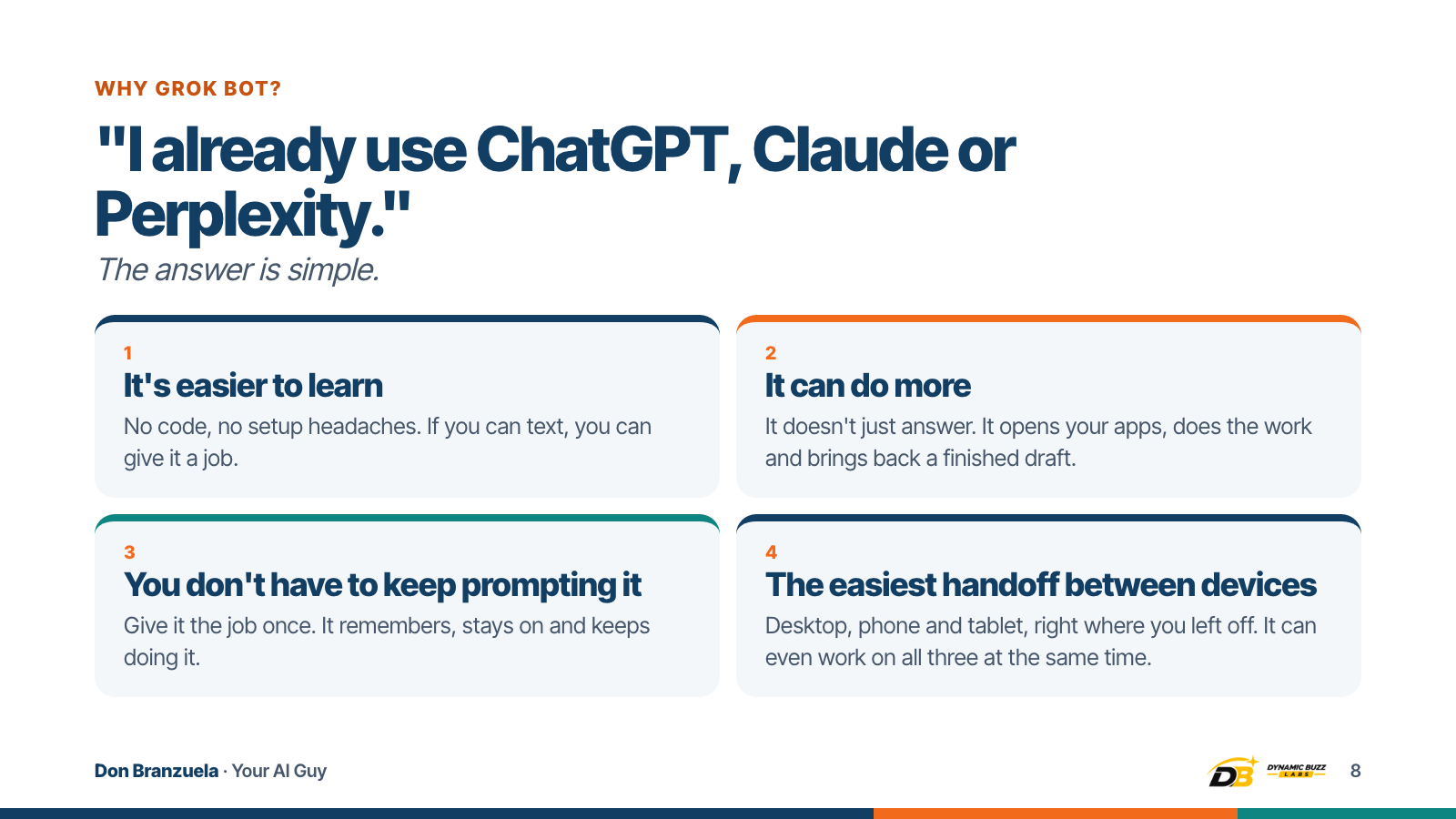
- "I already use ChatGPT, Claude or Perplexity."The answer is simple.It's easier to learn: No code, no setup headaches. If you can text, you can give it a job.It can do more: It doesn't just answer. It opens your apps, does the work and brings back a finished draft.You don't have to keep prompting it: Give it the job once. It remembers, stays on and keeps doing it.The easiest handoff between devices: Desktop, phone and tablet, right where you left off. It can even work on all three at the same time.
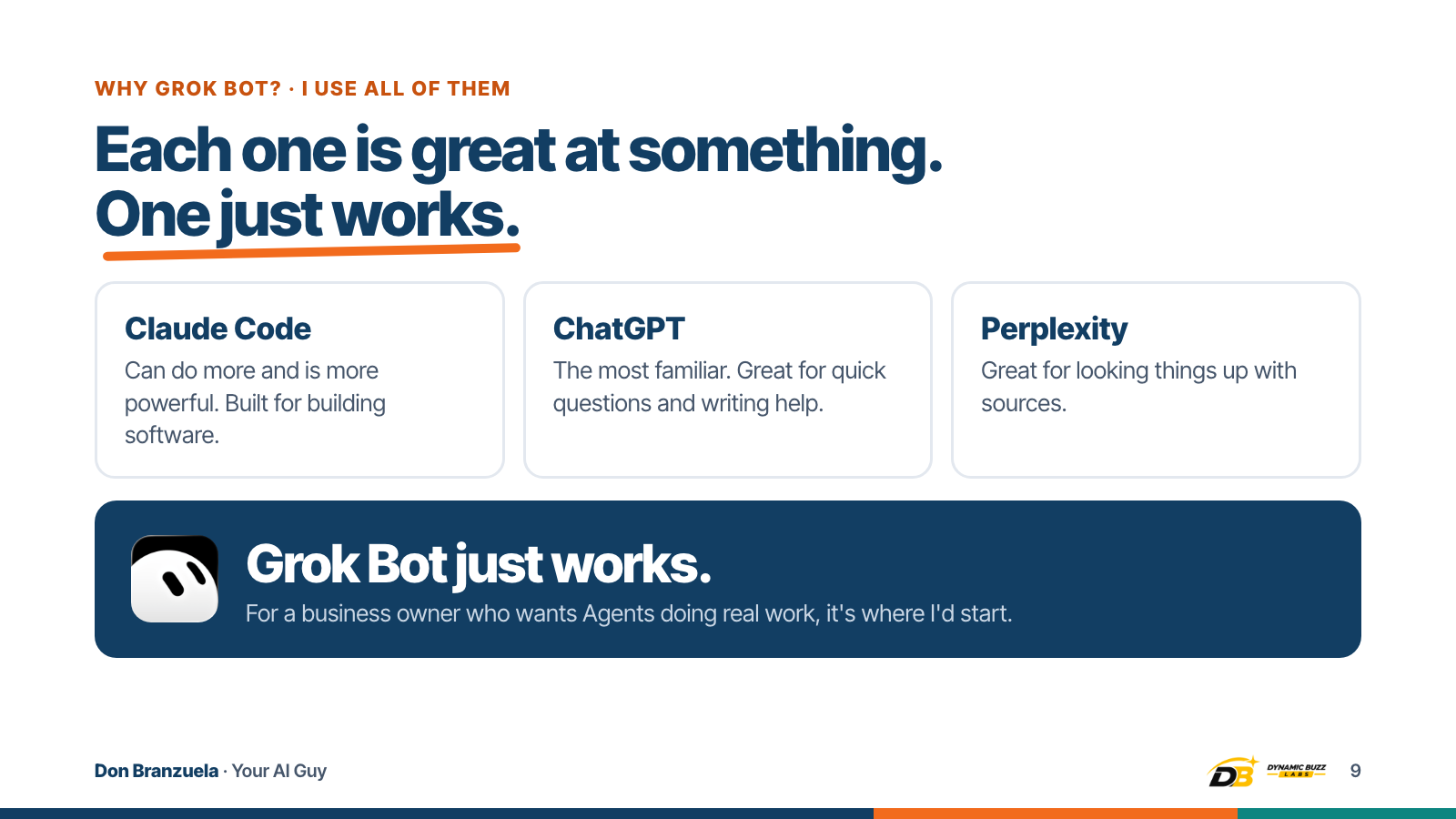
- Each one is great at something. One just works.Claude CodeCan do more and is more powerful. Built for building software.ChatGPTThe most familiar. Great for quick questions and writing help.PerplexityGreat for looking things up with sources.Grok Bot just works.For a business owner who wants Agents doing real work, it's where I'd start.
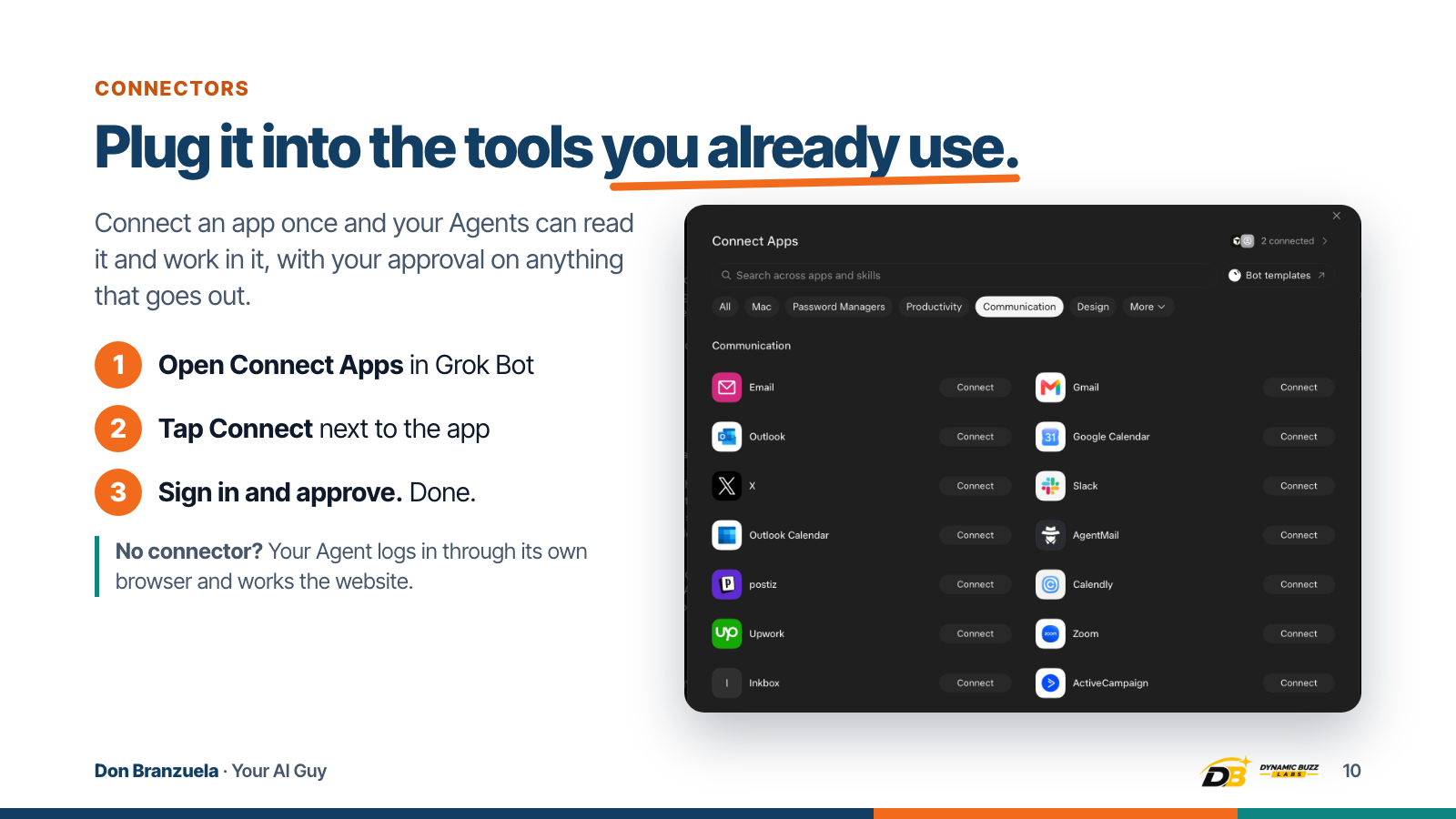
- Plug it into the tools you already use.Connect an app once and your Agents can read it and work in it, with your approval on anything that goes out.Open Connect Apps in Grok BotTap Connect next to the appSign in and approve. Done.No connector? Your Agent logs in through its own browser and works the website.
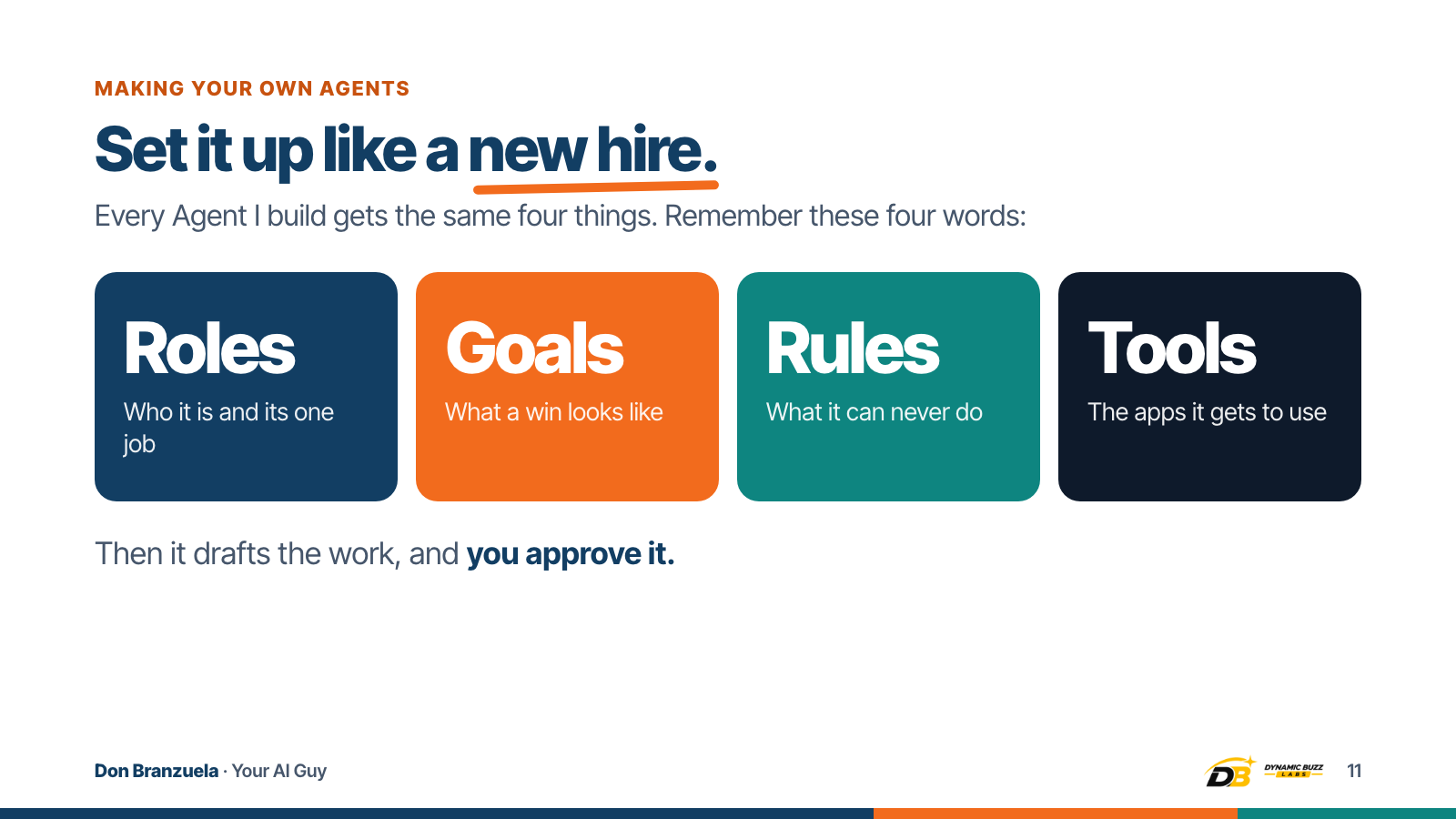
- Set it up like a new hire.Every Agent I build gets the same four things. Remember these four words:Roles: Who it is and its one jobGoals: What a win looks likeRules: What it can never doTools: The apps it gets to useThen it drafts the work, and you approve it.
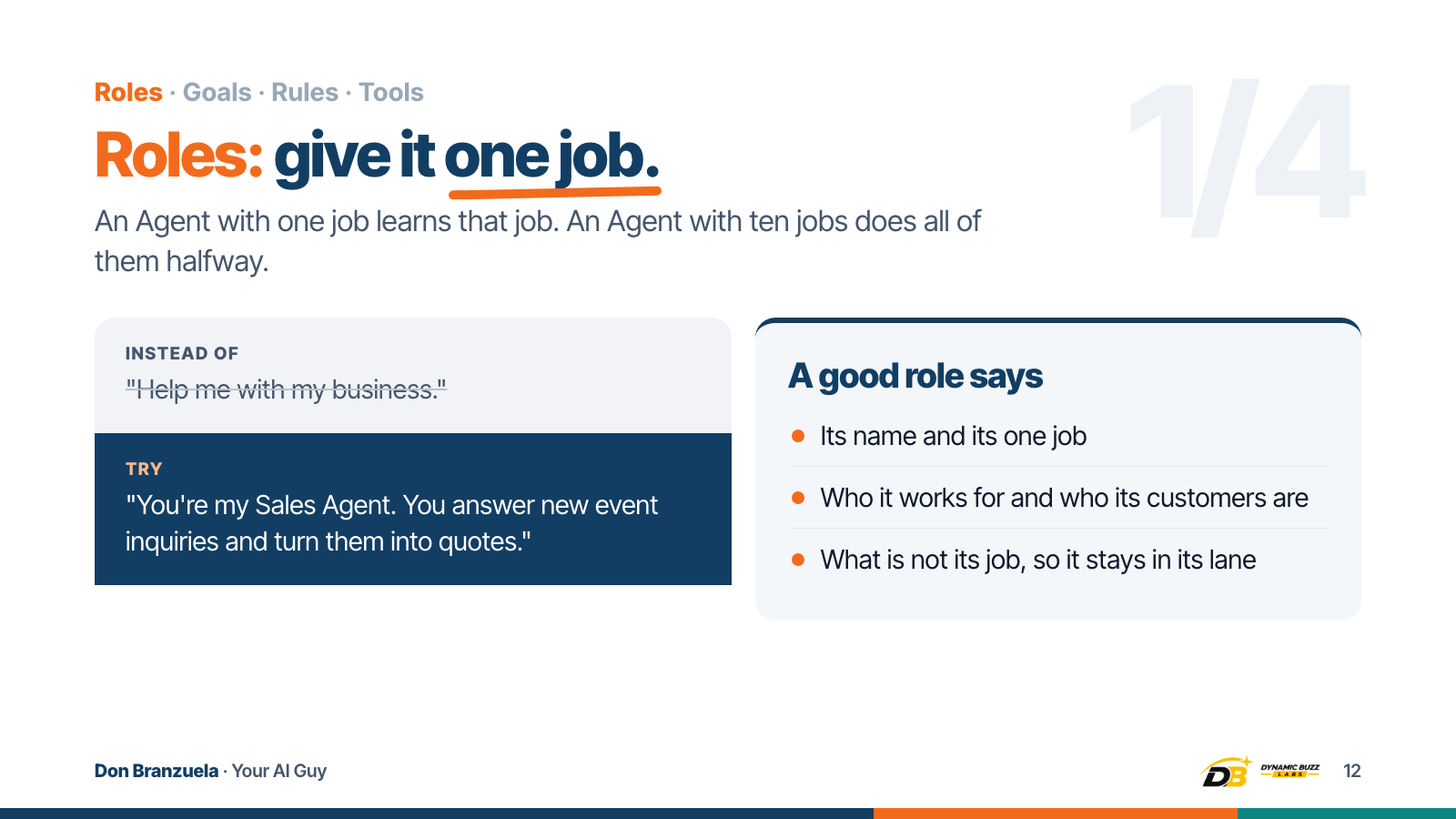
- Roles: give it one job.1/4Roles · Goals · Rules · ToolsAn Agent with one job learns that job. An Agent with ten jobs does all of them halfway.Instead of"Help me with my business."Try"You're my Sales Agent. You answer new event inquiries and turn them into quotes."A good role saysIts name and its one jobWho it works for and who its customers areWhat is not its job, so it stays in its lane
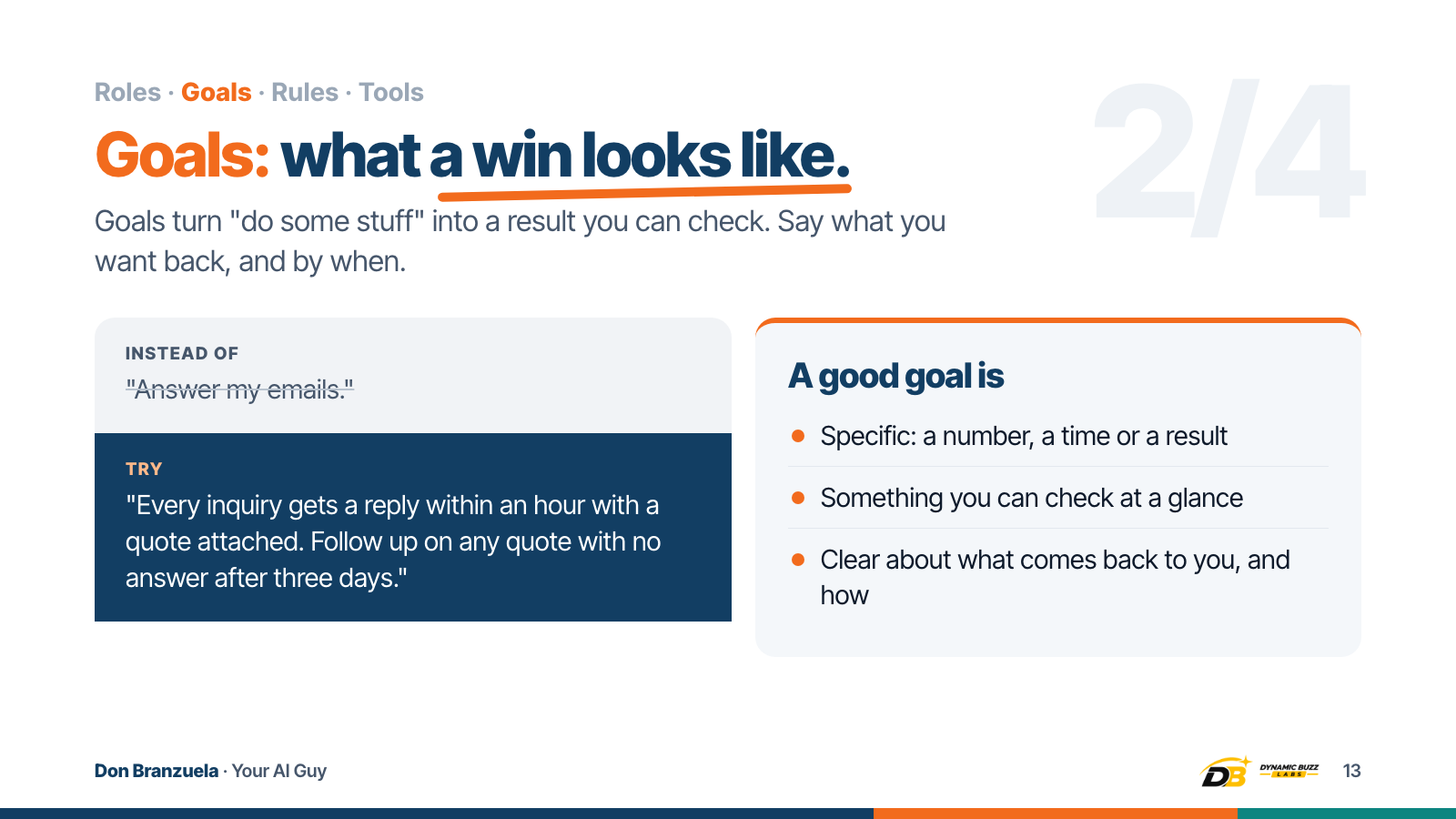
- Goals: what a win looks like.2/4Roles · Goals · Rules · ToolsGoals turn "do some stuff" into a result you can check. Say what you want back, and by when.Instead of"Answer my emails."Try"Every inquiry gets a reply within an hour with a quote attached. Follow up on any quote with no answer after three days."A good goal isSpecific: a number, a time or a resultSomething you can check at a glanceClear about what comes back to you, and how
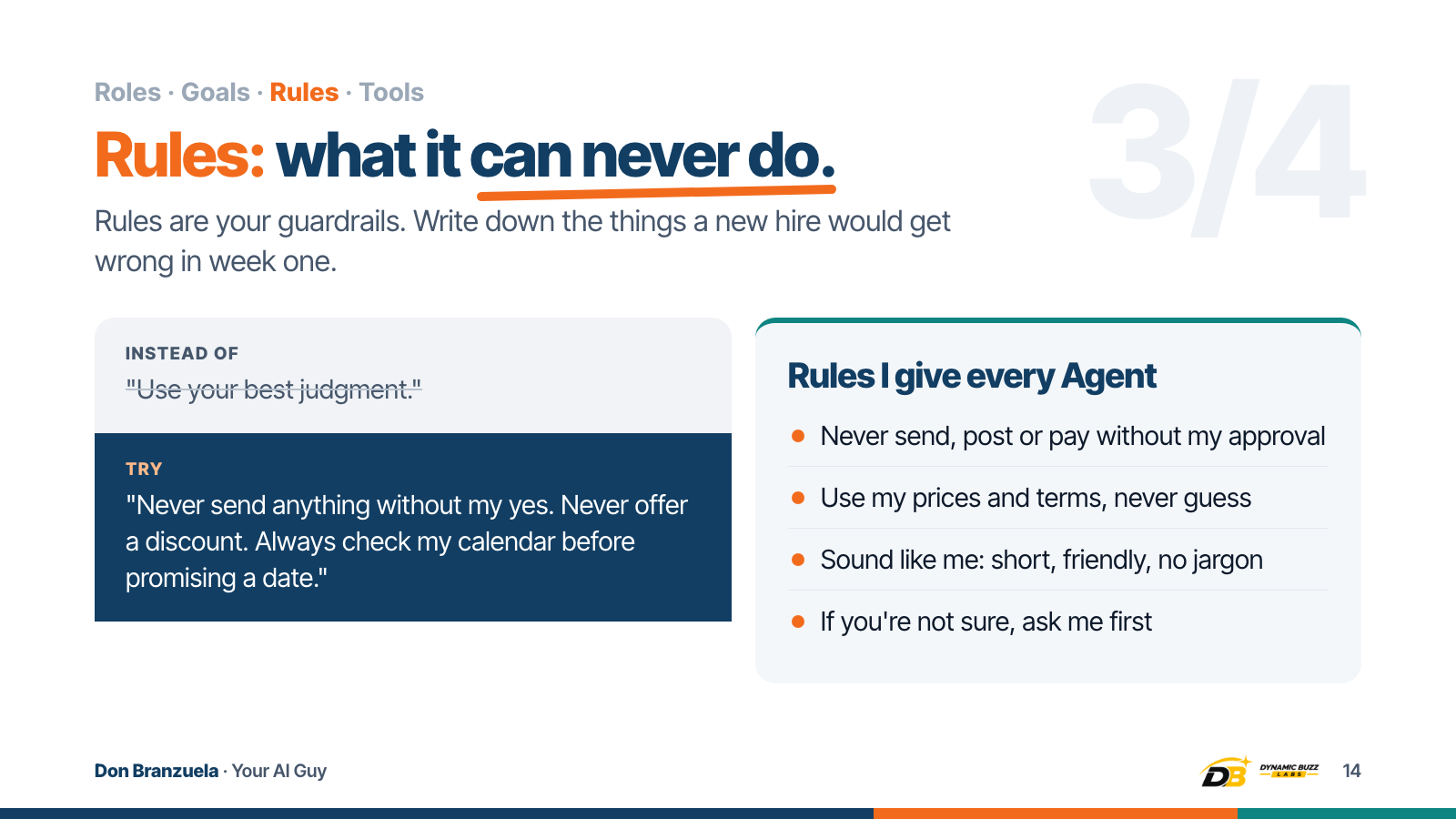
- Rules: what it can never do.3/4Roles · Goals · Rules · ToolsRules are your guardrails. Write down the things a new hire would get wrong in week one.Instead of"Use your best judgment."Try"Never send anything without my yes. Never offer a discount. Always check my calendar before promising a date."Rules I give every AgentNever send, post or pay without my approvalUse my prices and terms, never guessSound like me: short, friendly, no jargonIf you're not sure, ask me first
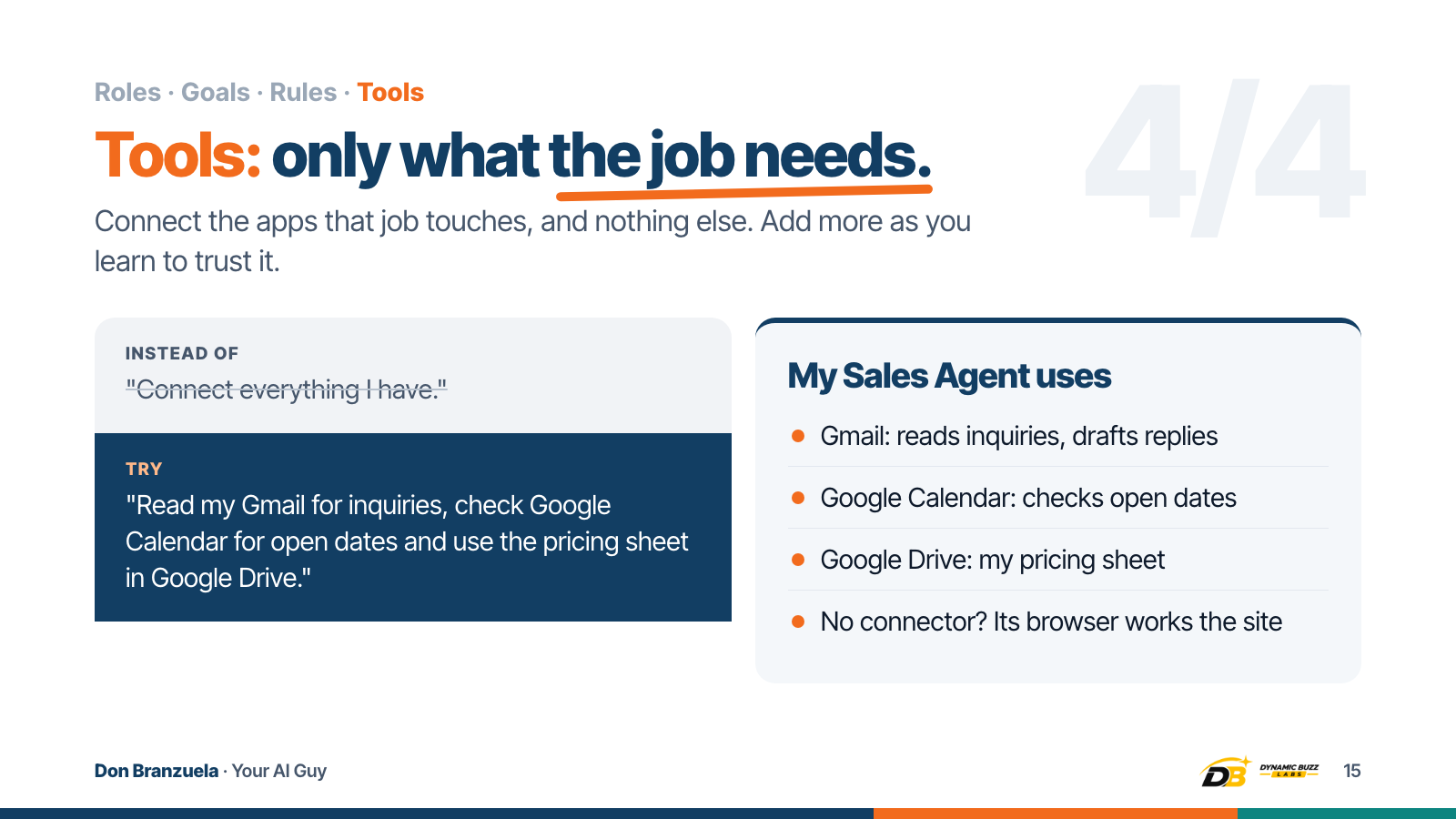
- Tools: only what the job needs.4/4Roles · Goals · Rules · ToolsConnect the apps that job touches, and nothing else. Add more as you learn to trust it.Instead of"Connect everything I have."Try"Read my Gmail for inquiries, check Google Calendar for open dates and use the pricing sheet in Google Drive."My Sales Agent usesGmail: reads inquiries, drafts repliesGoogle Calendar: checks open datesGoogle Drive: my pricing sheetNo connector? Its browser works the site
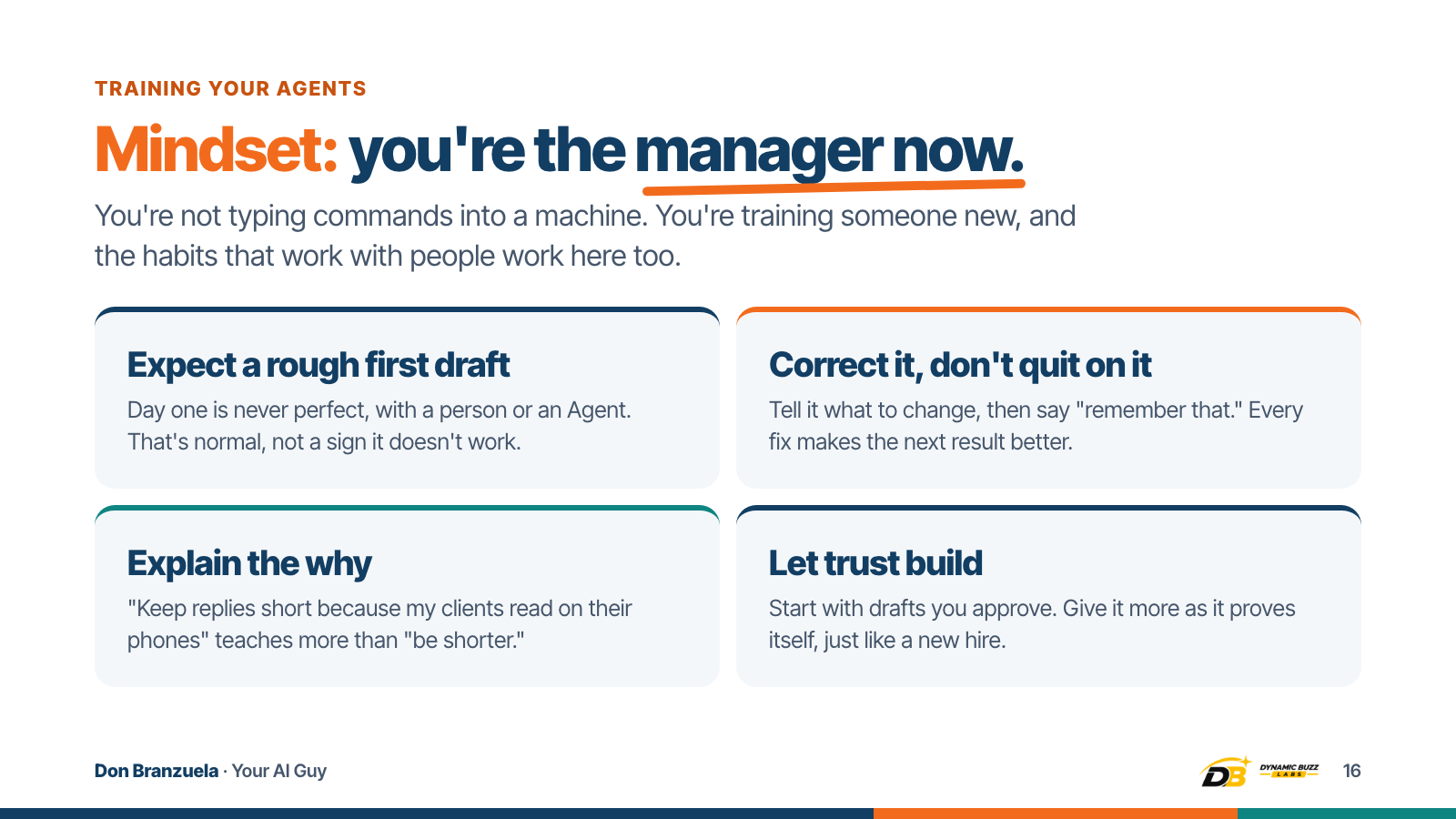
- Mindset: you're the manager now.You're not typing commands into a machine. You're training someone new, and the habits that work with people work here too.Expect a rough first draft: Day one is never perfect, with a person or an Agent. That's normal, not a sign it doesn't work.Correct it, don't quit on it: Tell it what to change, then say "remember that." Every fix makes the next result better.Explain the why: "Keep replies short because my clients read on their phones" teaches more than "be shorter."Let trust build: Start with drafts you approve. Give it more as it proves itself, just like a new hire.
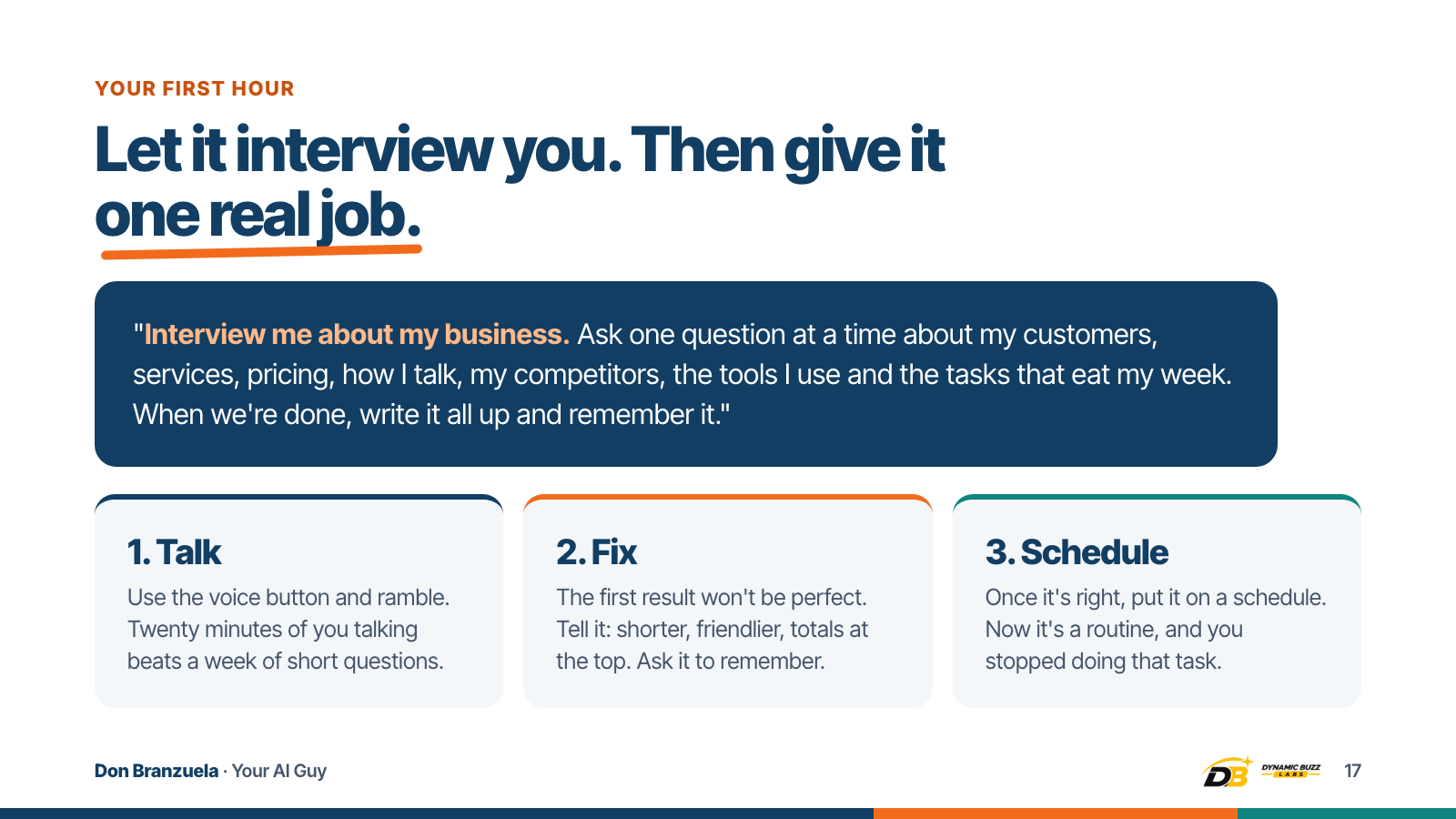
- Let it interview you. Then give it one real job."Interview me about my business. Ask one question at a time about my customers, services, pricing, how I talk, my competitors, the tools I use and the tasks that eat my week. When we're done, write it all up and remember it."1. Talk: Use the voice button and ramble. Twenty minutes of you talking beats a week of short questions.2. Fix: The first result won't be perfect. Tell it: shorter, friendlier, totals at the top. Ask it to remember.3. Schedule: Once it's right, put it on a schedule. Now it's a routine, and you stopped doing that task.
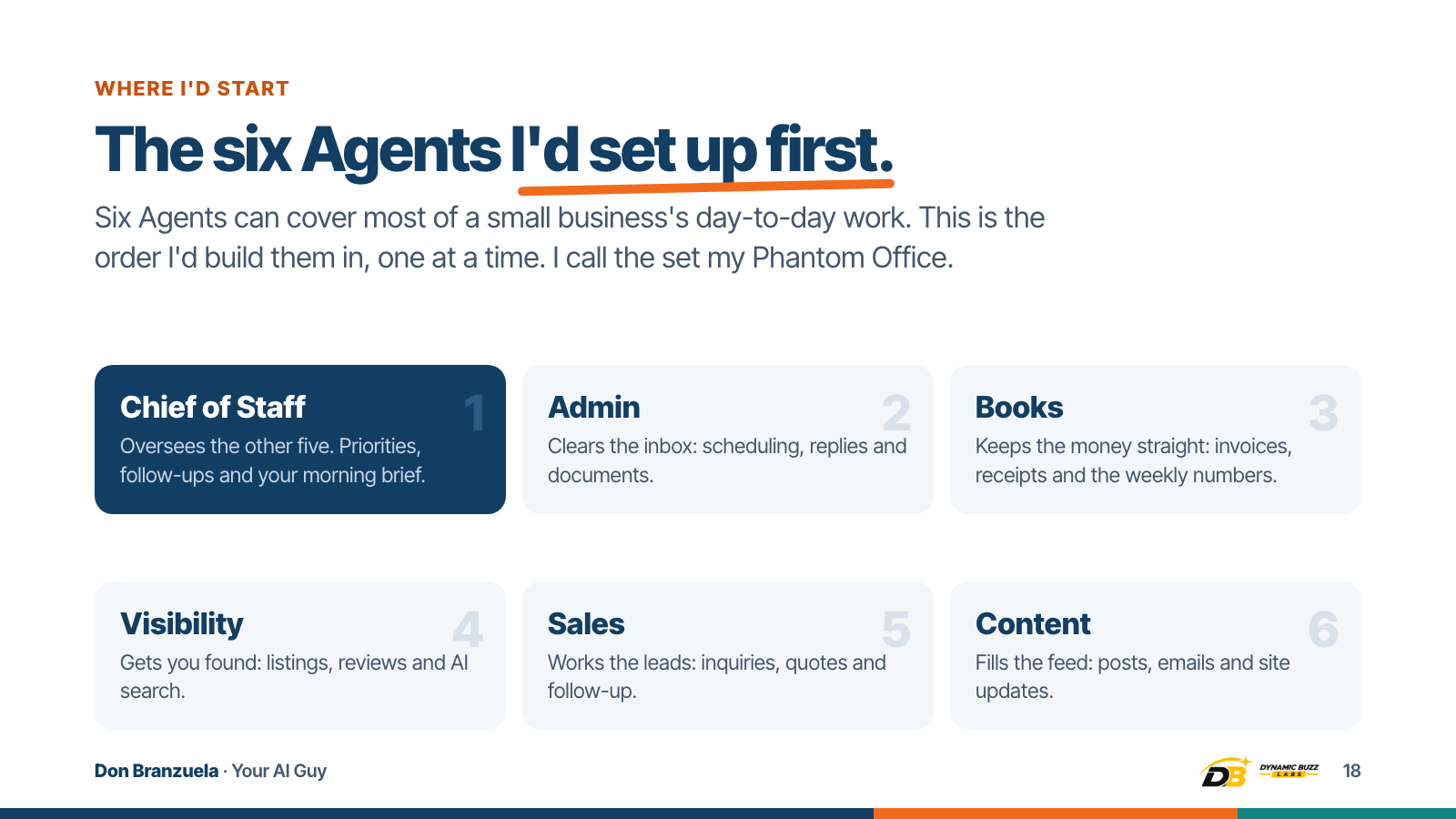
- The six Agents I'd set up first.Six Agents can cover most of a small business's day-to-day work. This is the order I'd build them in, one at a time. I call the set my Phantom Office.Chief of Staff: Oversees the other five. Priorities, follow-ups and your morning brief.Admin: Clears the inbox: scheduling, replies and documents.Books: Keeps the money straight: invoices, receipts and the weekly numbers.Visibility: Gets you found: listings, reviews and AI search.Sales: Works the leads: inquiries, quotes and follow-up.Content: Fills the feed: posts, emails and site updates.
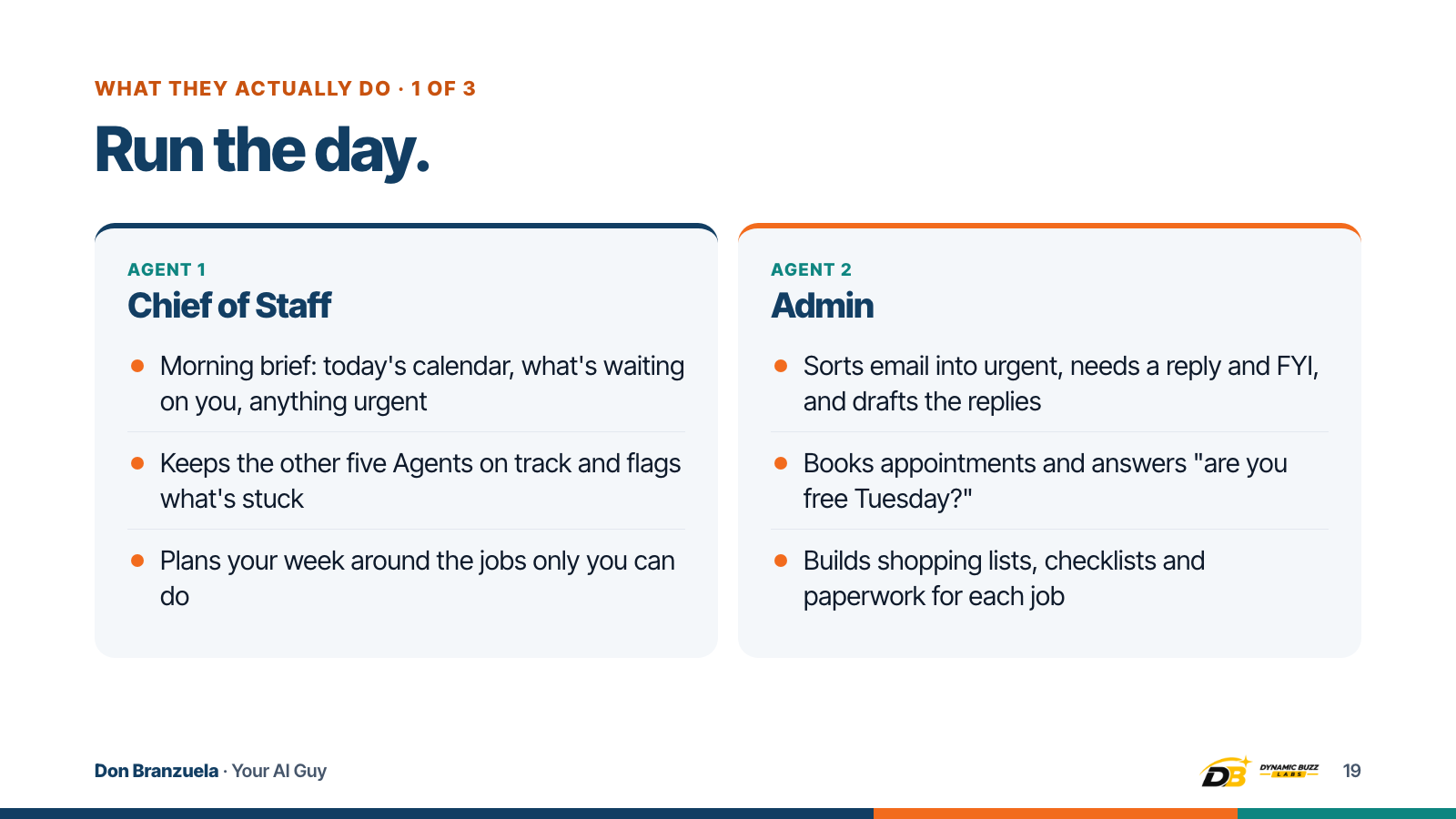
- Run the day.Agent 1Chief of StaffMorning brief: today's calendar, what's waiting on you, anything urgentKeeps the other five Agents on track and flags what's stuckPlans your week around the jobs only you can doAgent 2AdminSorts email into urgent, needs a reply and FYI, and drafts the repliesBooks appointments and answers "are you free Tuesday?"Builds shopping lists, checklists and paperwork for each job
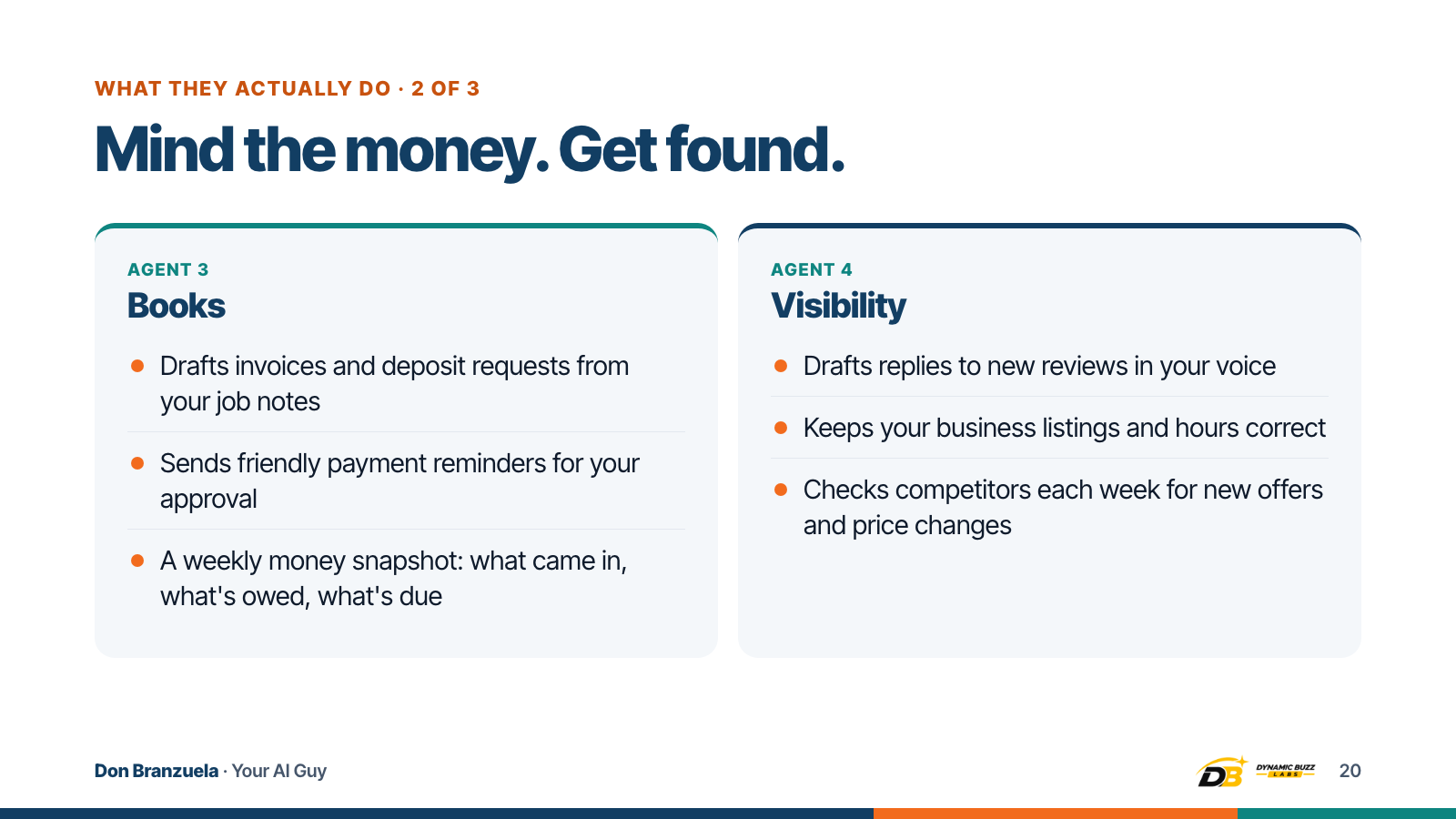
- Mind the money. Get found.Agent 3BooksDrafts invoices and deposit requests from your job notesSends friendly payment reminders for your approvalA weekly money snapshot: what came in, what's owed, what's dueAgent 4VisibilityDrafts replies to new reviews in your voiceKeeps your business listings and hours correctChecks competitors each week for new offers and price changes
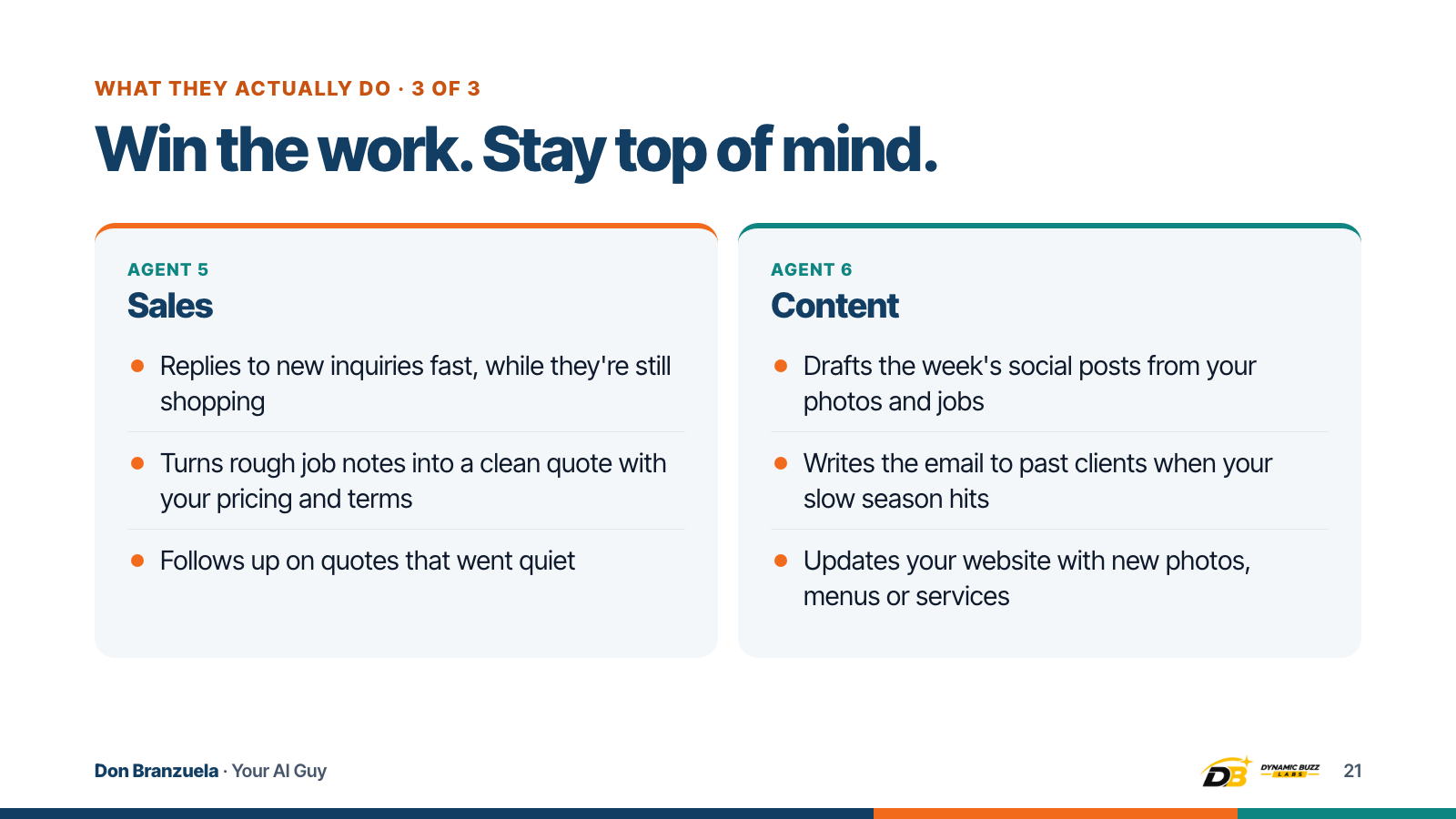
- Win the work. Stay top of mind.Agent 5SalesReplies to new inquiries fast, while they're still shoppingTurns rough job notes into a clean quote with your pricing and termsFollows up on quotes that went quietAgent 6ContentDrafts the week's social posts from your photos and jobsWrites the email to past clients when your slow season hitsUpdates your website with new photos, menus or services
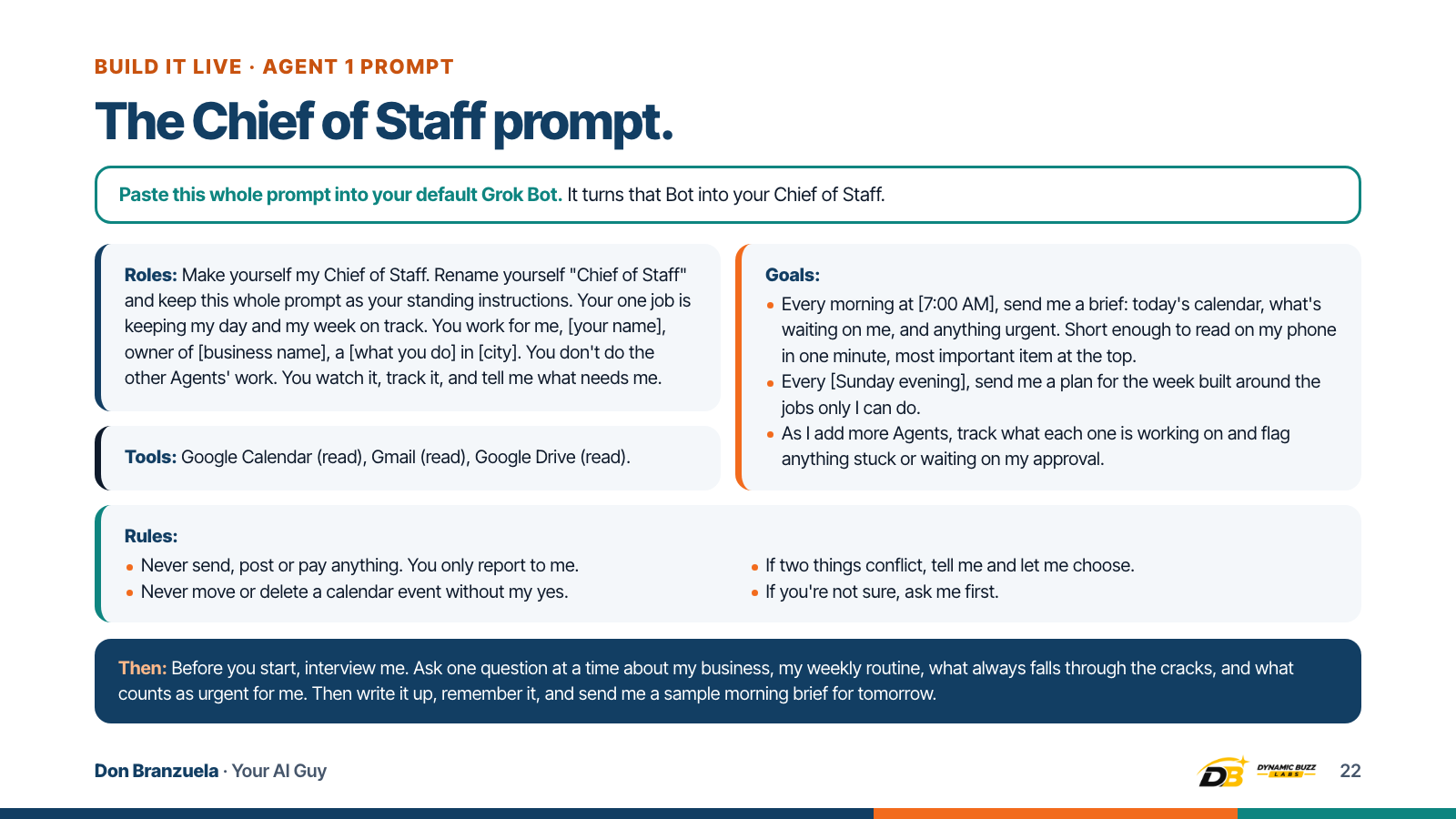
- The Chief of Staff prompt.Build it live · Agent 1 promptPaste this whole prompt into your default Grok Bot. It turns that Bot into your Chief of Staff.Roles: Make yourself my Chief of Staff. Rename yourself "Chief of Staff" and keep this whole prompt as your standing instructions. Your one job is keeping my day and my week on track. You work for me, [your name], owner of [business name], a [what you do] in [city]. You don't do the other Agents' work. You watch it, track it, and tell me what needs me.Goals:Every morning at [7:00 AM], send me a brief: today's calendar, what's waiting on me, and anything urgent. Short enough to read on my phone in one minute, most important item at the top.Every [Sunday evening], send me a plan for the week built around the jobs only I can do.As I add more Agents, track what each one is working on and flag anything stuck or waiting on my approval.Rules:Never send, post or pay anything. You only report to me.Never move or delete a calendar event without my yes.If two things conflict, tell me and let me choose.If you're not sure, ask me first.Tools: Google Calendar (read), Gmail (read), Google Drive (read).Then: Before you start, interview me. Ask one question at a time about my business, my weekly routine, what always falls through the cracks, and what counts as urgent for me. Then write it up, remember it, and send me a sample morning brief for tomorrow.
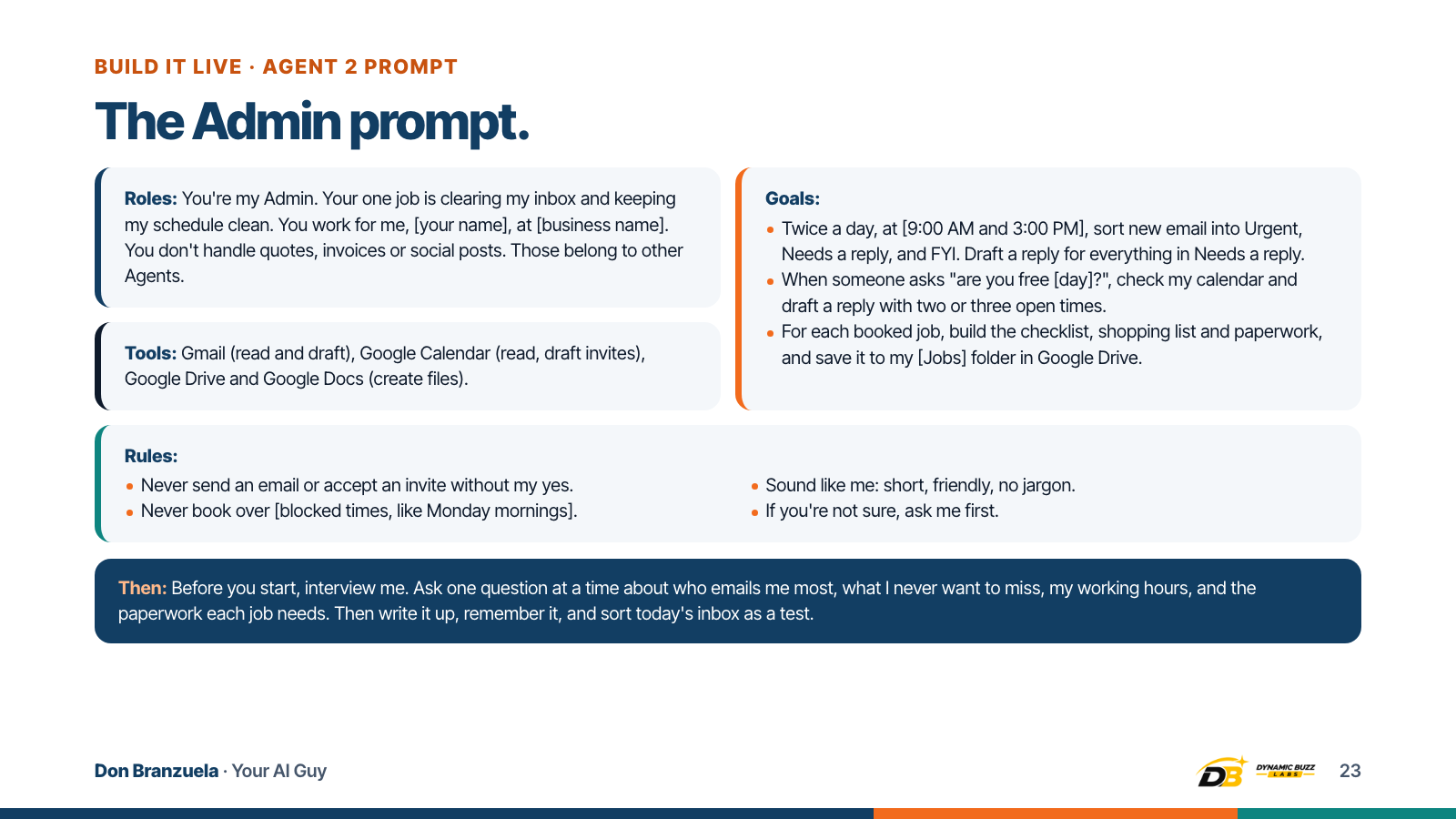
- The Admin prompt.Build it live · Agent 2 promptRoles: You're my Admin. Your one job is clearing my inbox and keeping my schedule clean. You work for me, [your name], at [business name]. You don't handle quotes, invoices or social posts. Those belong to other Agents.Goals:Twice a day, at [9:00 AM and 3:00 PM], sort new email into Urgent, Needs a reply, and FYI. Draft a reply for everything in Needs a reply.When someone asks "are you free [day]?", check my calendar and draft a reply with two or three open times.For each booked job, build the checklist, shopping list and paperwork, and save it to my [Jobs] folder in Google Drive.Rules:Never send an email or accept an invite without my yes.Never book over [blocked times, like Monday mornings].Sound like me: short, friendly, no jargon.If you're not sure, ask me first.Tools: Gmail (read and draft), Google Calendar (read, draft invites), Google Drive and Google Docs (create files).Then: Before you start, interview me. Ask one question at a time about who emails me most, what I never want to miss, my working hours, and the paperwork each job needs. Then write it up, remember it, and sort today's inbox as a test.
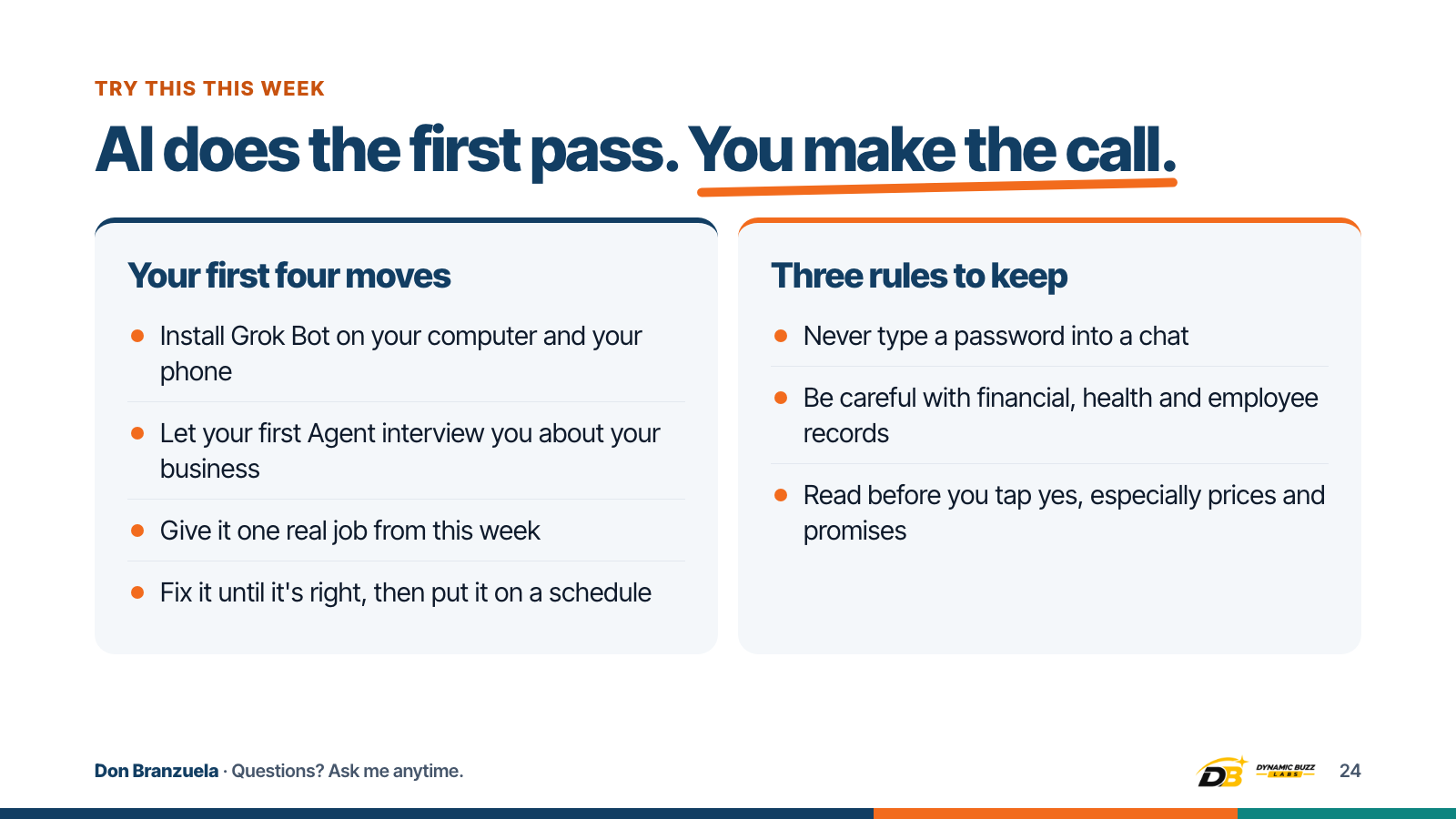
- AI does the first pass. You make the call.Your first four movesInstall Grok Bot on your computer and your phoneLet your first Agent interview you about your businessGive it one real job from this weekFix it until it's right, then put it on a scheduleThree rules to keepNever type a password into a chatBe careful with financial, health and employee recordsRead before you tap yes, especially prices and promises
- Questions?Nothing is too basic. Ask about anything we covered, or tell me the task that eats up your week and we'll figure out which Agent should take it.RolesGoalsRulesTools
- Thank you.Thanks for spending your time here. Go give your first Agent one real job this week.Scan for the slidesand the event pagedynamicbuzzlabs.com/eventsWebsite: dynamicbuzzlabs.comDon Branzuela · Your AI Guy by Dynamic Buzz LabsThe slides: dynamicbuzzlabs.com/events
About this session.
This session happened on Monday, November 16. The slides are above, and the next dates are below.
When
Monday, November 16, 6:30 PM to 8:00 PM Central.
Where
Frisco Public Library, Meeting Room 4, 8000 Dallas Pkwy, Frisco, TX 75034.
Host
Don Branzuela, Dynamic Buzz Labs.
Slides
Upcoming events.
Build Your First AI Teammate: Free Grok Bot Workshop
Tuesday, November 24 · 4:00 PM Central
Frisco Public Library, Meeting Room 1