
AI Agents for Wedding and Event Venues: Tours, Date Holds and Day-Of Timelines
A wedding or event venue sells dates, and every date starts with a fast reply and a tour. Here's how six AI Agents handle inquiries, holds, vendor paperwork and timelines while you stay in charge.
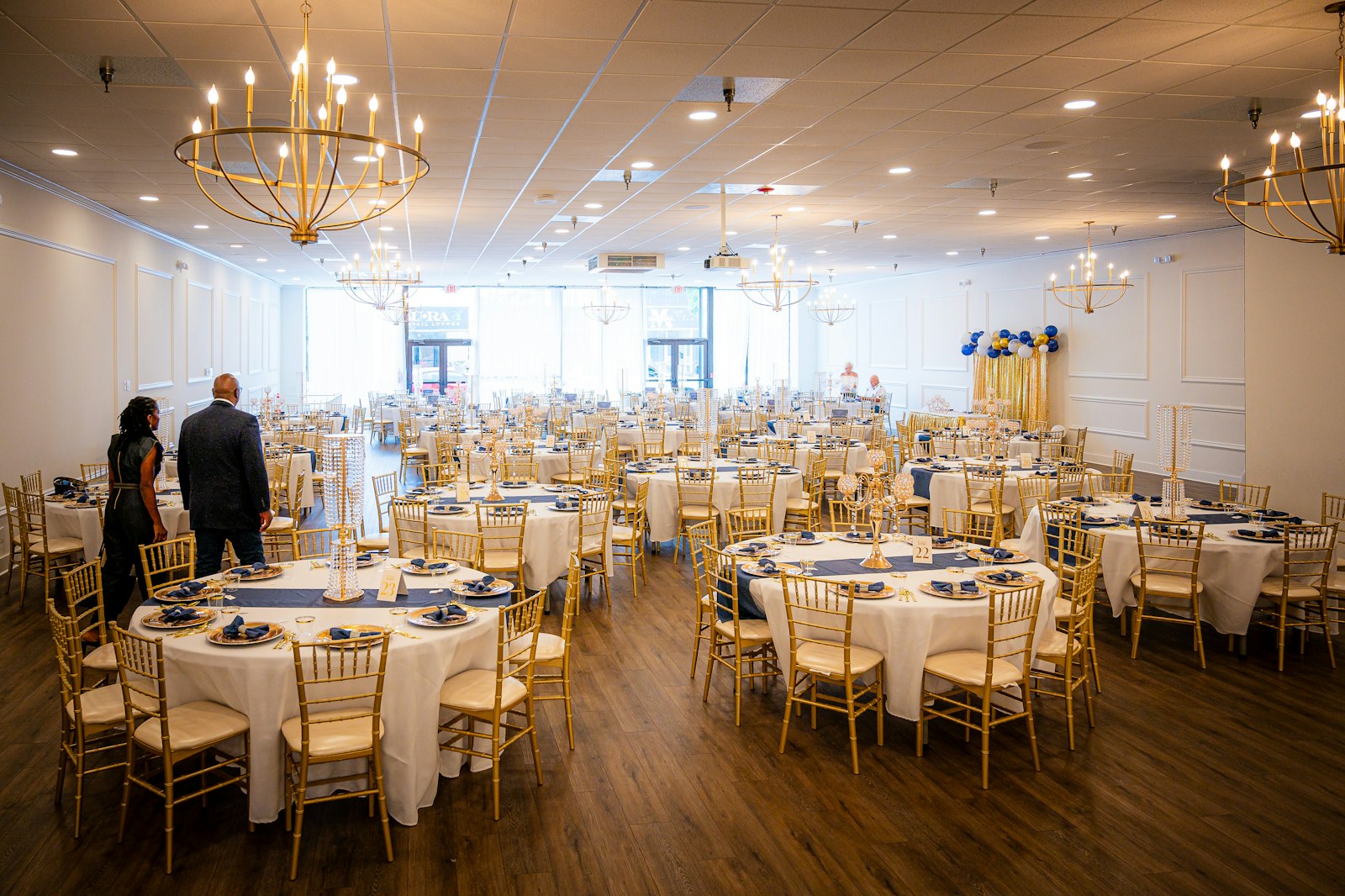
A wedding or event venue sells one thing: dates. Every date starts with an inquiry, turns into a tour, then a hold, then a contract, and then about a hundred small details before the doors open. AI Agents can do the first draft of almost all of that. You keep the parts that need a person, like the tour itself, the pricing calls and the couple who's crying in your office.
I've been in the special events industry since 2000, and I've worked a lot of events at a lot of venues. The venues that run smoothly aren't the ones with the biggest staff. They're the ones where nothing falls through the cracks between the inquiry and the last dance.
Here's how I'd set up a venue's six Agents. Each one gets a role, goals, rules and tools.
What a venue's week really looks like
Inquiries come in at 11 at night from couples who are planning on their lunch break. Three people want the same Saturday in October. A planner needs the floor plan again. A caterer still hasn't sent their insurance certificate. A date hold expires tomorrow, and nobody remembers if the couple said yes.
None of that is hard. It's just constant, and it's easy to drop one piece when you're also running Saturday's event.
1. Chief of Staff: the overseer
Role: Oversees the other five Agents and turns their work into one clear plan.
Goals: Make sure each Agent is doing its job and nothing slips between them. Hand you one morning briefing: new tour requests from Sales, holds and vendor paperwork from Admin, payments from Books, and the weekend rundown with every event's timeline, headcount, vendors, load-in and load-out times, room flips and open questions. Catch conflicts early, like a ceremony flip that's too tight or two vendors with the same load-in time.
Rules: It oversees and reports, and you decide. It doesn't change a couple's timeline, tell a vendor something new or approve another Agent's work on your behalf.
Tools: Your calendar, event files, staff schedule and everything the other Agents produce.
Think of it as the manager of your Agent team. A clean briefing on Wednesday is what makes Saturday feel calm.
2. Sales: from inquiry to tour
Role: Answers every inquiry fast and gets interested couples and planners booked for a tour.
Goals: Reply quickly with the answers people actually want (is the date open, how many guests, what's the starting price range), ask the questions you'd ask, and offer tour times from your calendar.
Rules: It never confirms a date, quotes a final price or offers a discount without your approval. If two people want the same date, it flags it to you instead of choosing.
Tools: Your inbox, your booking calendar and your pricing sheet.
Venues lose bookings to the venue that answered first. A Sales Agent means a midnight inquiry has a thoughtful reply waiting in the morning, ready for you to send with one click.
3. Admin: holds, contracts and vendor paperwork
Role: Keeps every date hold, contract step and vendor requirement on track.
Goals: Track when each hold expires and draft a check-in before it does. Collect what you require from outside vendors, like insurance certificates, load-in times and rules acknowledgments. Remind you before anything is late.
Rules: It drafts, and you send. It never releases a hold, signs a contract or approves a vendor on its own.
Tools: Your email, your contract and document folder, and a simple tracking sheet.
This is the Agent that protects your best dates. An expired hold you forgot about is a Saturday you might not fill.
4. Books: deposits and payment schedules
Role: Watches every booking's payment schedule.
Goals: Know which deposits are in, which installments are coming due and which are late. Draft friendly reminders and give you a short weekly money summary.
Rules: It never moves money and never changes an invoice. Any message with a dollar amount gets your approval first. Your bookkeeper still owns the books.
Tools: Your invoicing or accounting software, read-only where possible, and your inbox for reminder drafts.
5. Visibility: showing up when couples search
Role: Makes sure couples and planners can find accurate information about your venue.
Goals: Keep your listings, capacity, location details and photos current. Draft replies to reviews. Point out the questions couples ask over and over, so your website can answer them before they have to ask.
Rules: Every public reply gets your approval. It never changes a listing or makes a claim about your venue without you seeing it first.
Tools: Your website, your business listings and your review notifications.
More couples are asking AI tools for venue ideas instead of scrolling through directories. Clear answers about capacity, style, price range and what's included are how you show up in those answers.
6. Content: every wedding becomes a story
Role: Turns the events you already hosted into posts and emails.
Goals: Draft a short post after each event, a "real wedding" feature when you have the couple's permission, and seasonal notes to planners you work with. All of it in your voice.
Rules: No couple names or guest photos without permission. Nothing gets posted without your approval.
Tools: Your photo folder, your past posts as voice examples and your planner contact list.
The one rule that matters
Every Agent follows the same rule: AI drafts, a person approves. That goes double for anything going to a couple and anything with a date, a price or a headcount in it.
That rule is what keeps Agents helpful instead of risky. You're still the one making every promise to a client. The Agents just make sure nothing gets forgotten.
What it runs on: Grok Bot
Every Phantom Office team I set up runs on Grok Bot. It's where most of my own day-to-day AI work happens, it works great on a phone, and it actually does the work instead of just answering questions. When an Agent is about to send an email or fill out a form, Grok Bot stops and shows you an approval card, so nothing goes out until you say yes. That's the approval rule, built right in. New to it? Start with how to get started with Grok Bot.
Where to start
Start with Sales and Chief of Staff. One brings in tours, and the other oversees everything else and gives you your week back. Add Admin once you trust them, because date holds and vendor paperwork are where the real money hides. Books, Visibility and Content come after that.
Everything runs in your own accounts with your own logins. It keeps running whether or not we keep working together.
Two ways to get it set up
The Phantom Office Workshop is a hands-on, small-group session where you set up your own Agents on your own accounts. It's built first for event and hospitality businesses, so venue owners fit right in.
If you'd rather have it done with you, Phantom Office Setup is where I set up your Agent team in your accounts and then train you to run it.
Either way, start with the Agent that answers the inquiry you haven't gotten to yet.
Photo by Matt Benson on Unsplash.
Want your own Phantom Office?
Set up all six roles in one hands-on workshop. $397 per session, 12 seats, usually at N25 Coworking in Frisco.